The Email Automation Edit

Email automationsounds complicated.It doesn’t have to be.

Triggers, conditions, workflows, segments... it’s a lot of terminology for something that’s supposed to make your life easier. I break the technical stuff down into visual, step-by-step tutorials that show you exactly how to put this stuff on autopilot and get back to the parts of your business you actually enjoy.

Peek inside the tutorials
1 / 5

Click a page to enlarge it. Swipe on mobile.

You’re leaving sales opportunities on the table

Someone downloaded your freebie. Now what?

Someone finds your free phonics worksheet, downloads it, and loves what you’ve created.

And then... nothing.

They’re back to lesson planning. You’re busy making your next resource. And the conversation ends before they’ve had a chance to discover everything else you offer.

But it doesn’t have to end there.

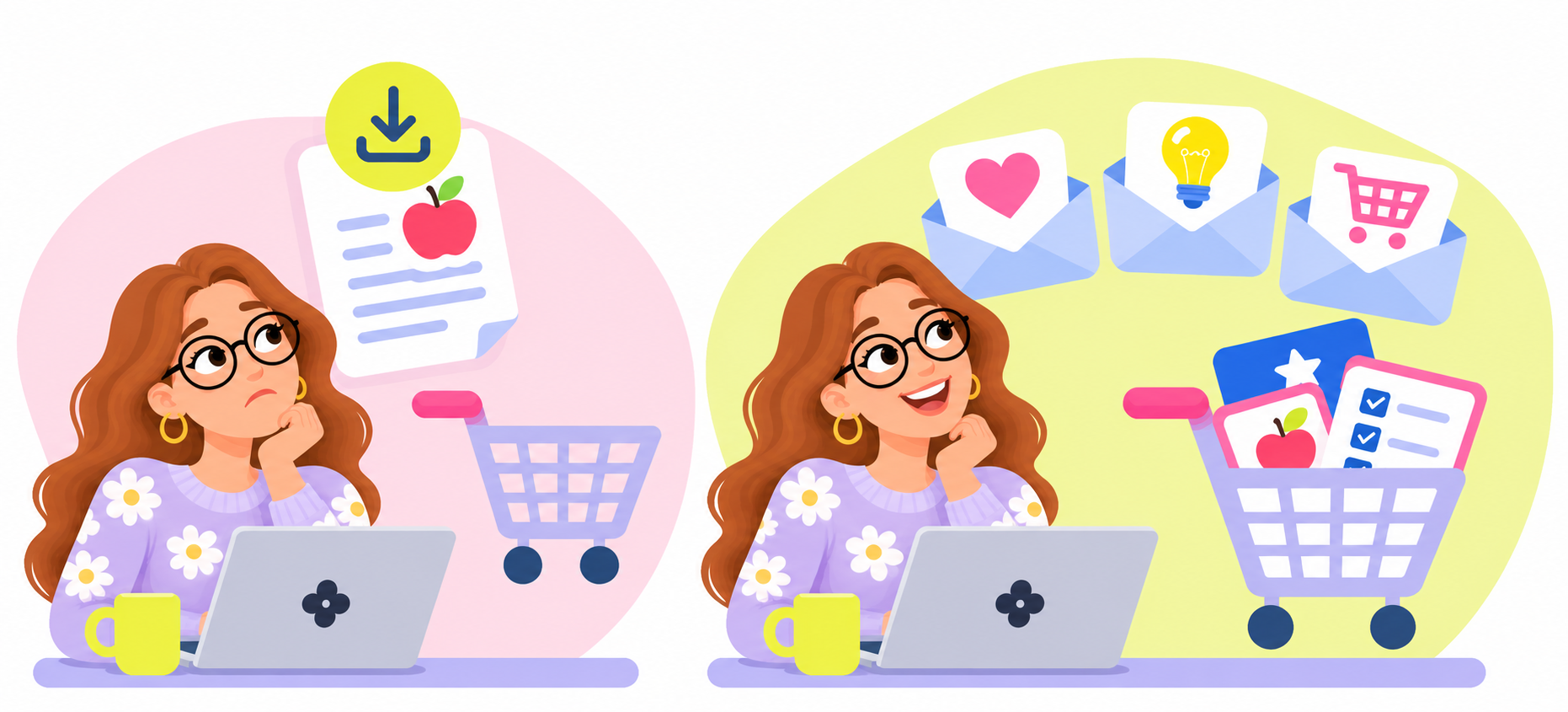
Before and after illustration showing a teacher-seller moving from a missed download opportunity to automated follow-up emails and a full cart
Thoughtful teacher-seller with a download and an empty shopping cart
The missed connectionThe download happens, but the conversation ends there.
Teacher-seller with automated email messages and a shopping cart filled with digital teaching resources
The opportunityHelpful follow-up emails keep the conversation going.

Your products deserve more than
a one-time introduction.

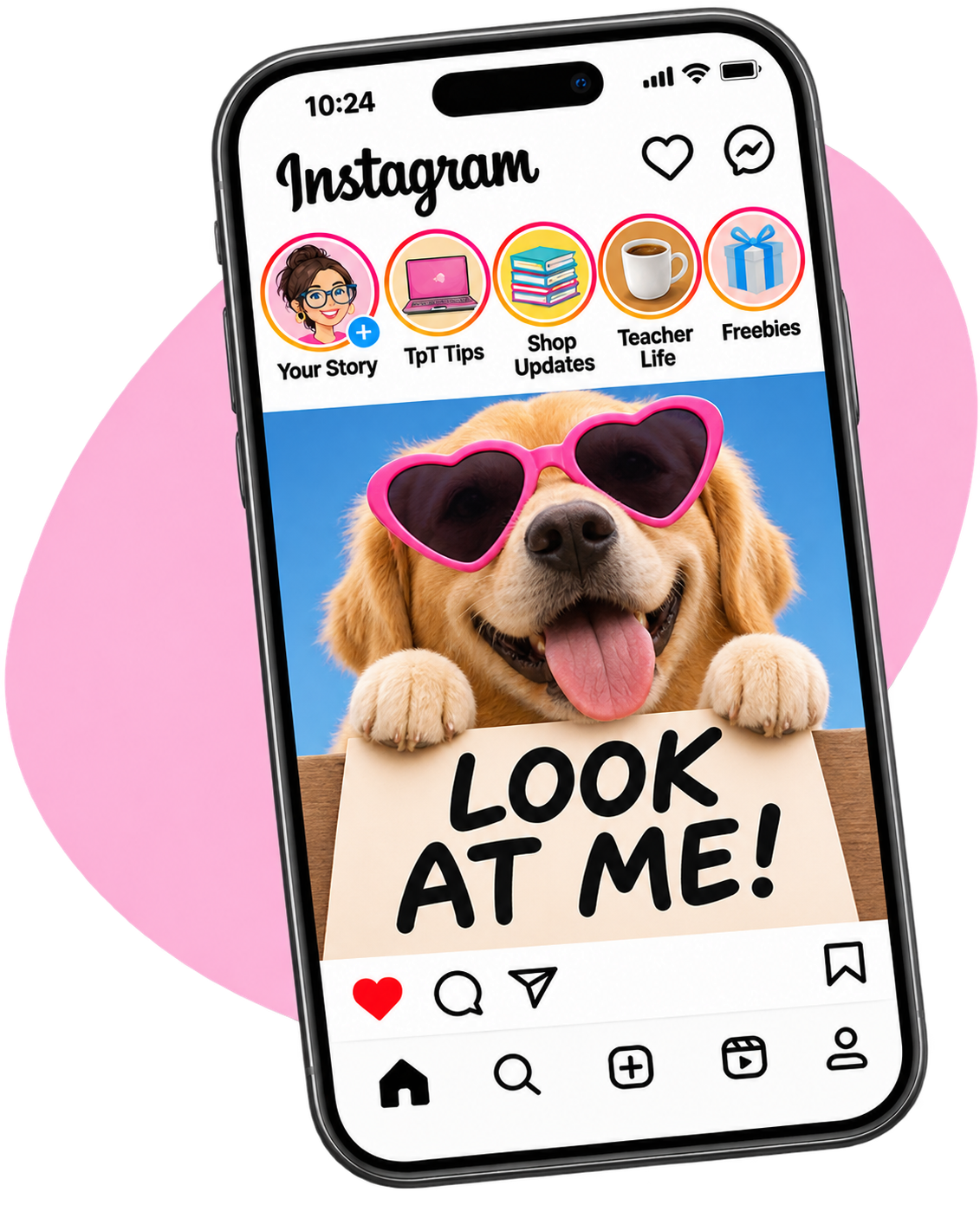
Instagram post with a dog holding a Look at me sign and filled Story bubbles

Another day, another post reminding people you exist.

Sound familiar? Constantly promoting your products can feel like a second full-time job. What if you could set up emails that keep your shop on customers’ radar—even while you’re making a Starbucks run?
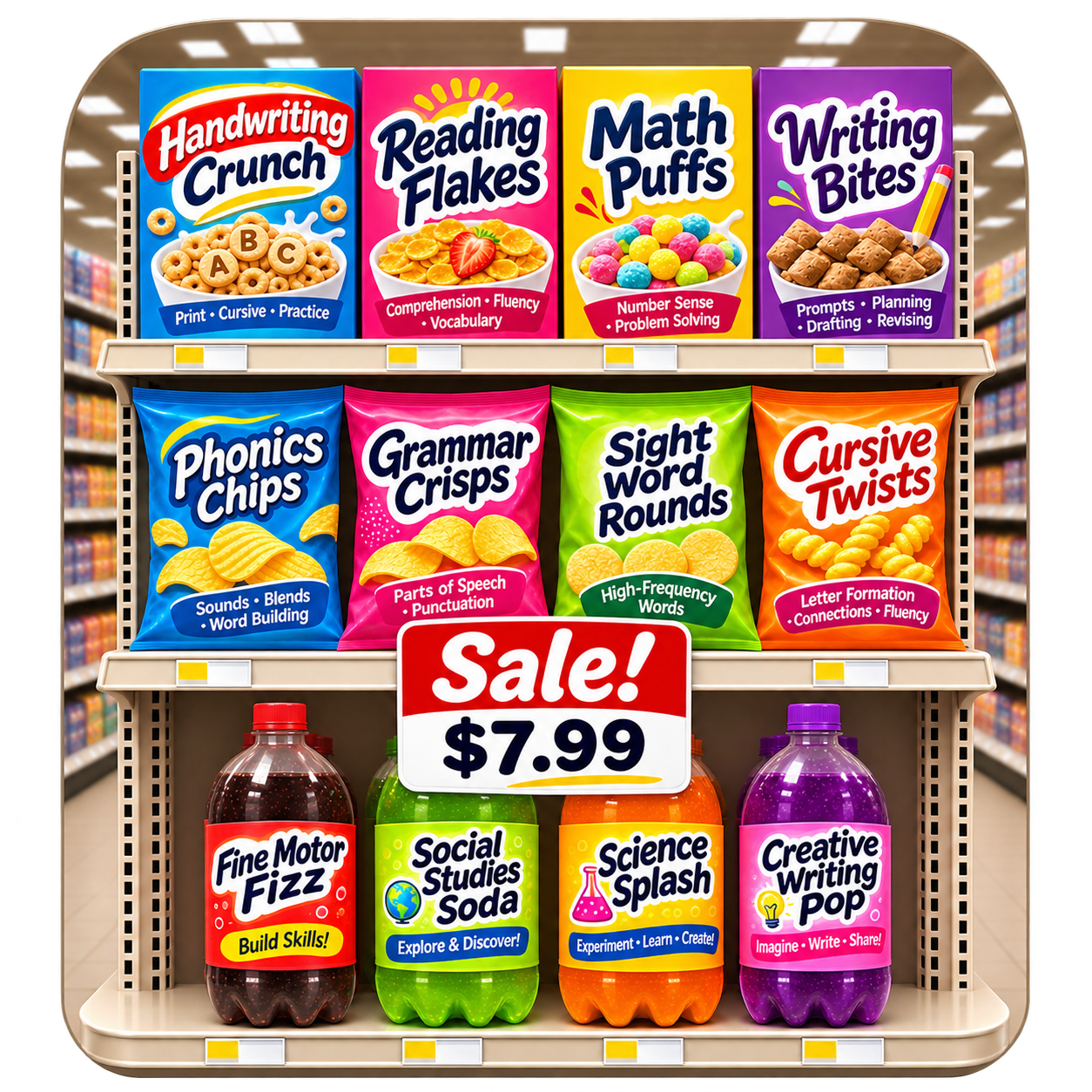
Teacher-themed learning products presented as supermarket packages with a Sale sign

How many great products are sitting in your shop unnoticed?

You’ve got an entire collection of resources that you know are exactly what teachers need. The problem? Those teachers don’t always know your products exist. I’ll show you how to automatically introduce your existing products to the world instead of hoping someone happens to stumble across them.

Shopping cart filled with colorful teaching resources

They were going to buy it. Until they got distracted.

We’ve all left something sitting in an online shopping cart. Your customers are no different. I’ll show you how to use Shopify’s checkout-recovery tools to send timely, helpful reminders—without having to chase anyone down yourself.

Stacks of money representing repeat sales

One sale is great. Two? Even better.

Someone loved your product enough to buy it. Chances are, you’ve got something else in your shop they could use, too. I’ll show you how to set up automatic follow-up emails that introduce related resources and give customers a reason to come back for more—all while you’re elbow-deep in making dinner instead of sitting at your computer sending emails.

Turns out timing really is everything

The emails you’re not sending could be costing you sales.

You don’t need to constantly bombard your customers with promotions. Sometimes, all it takes is showing up with the right message when someone is already interested.

Nearly 1 in 3

clicks on automated emails led to a purchase.

Compared with approximately 1 in 11 clicks on regularly scheduled campaigns. Source: Omnisend 2026 Ecommerce Marketing Report, 2025 merchant data. Results are not guaranteed for individual sellers.

No tech degree required

All the how-to. None of the what-the-heck?

I’ll show you where to click, what everything means, and how all the pieces fit together. No confusing jargon, no assumptions that you already know what you’re doing, and no hours spent trying to figure it out yourself.

I made it so easy to follow, you could hand it to your mom and officially retire as the family tech support.

One kit. Two platform-specific editions.

Same goal. Different buttons to click.

Shopify and Mailchimp do things a little differently. That’s why I’ve made a separate edition for each—with platform-specific screenshots, instructions, and examples that show you exactly what to do.

Just choose the platform you’re using. You only need one!

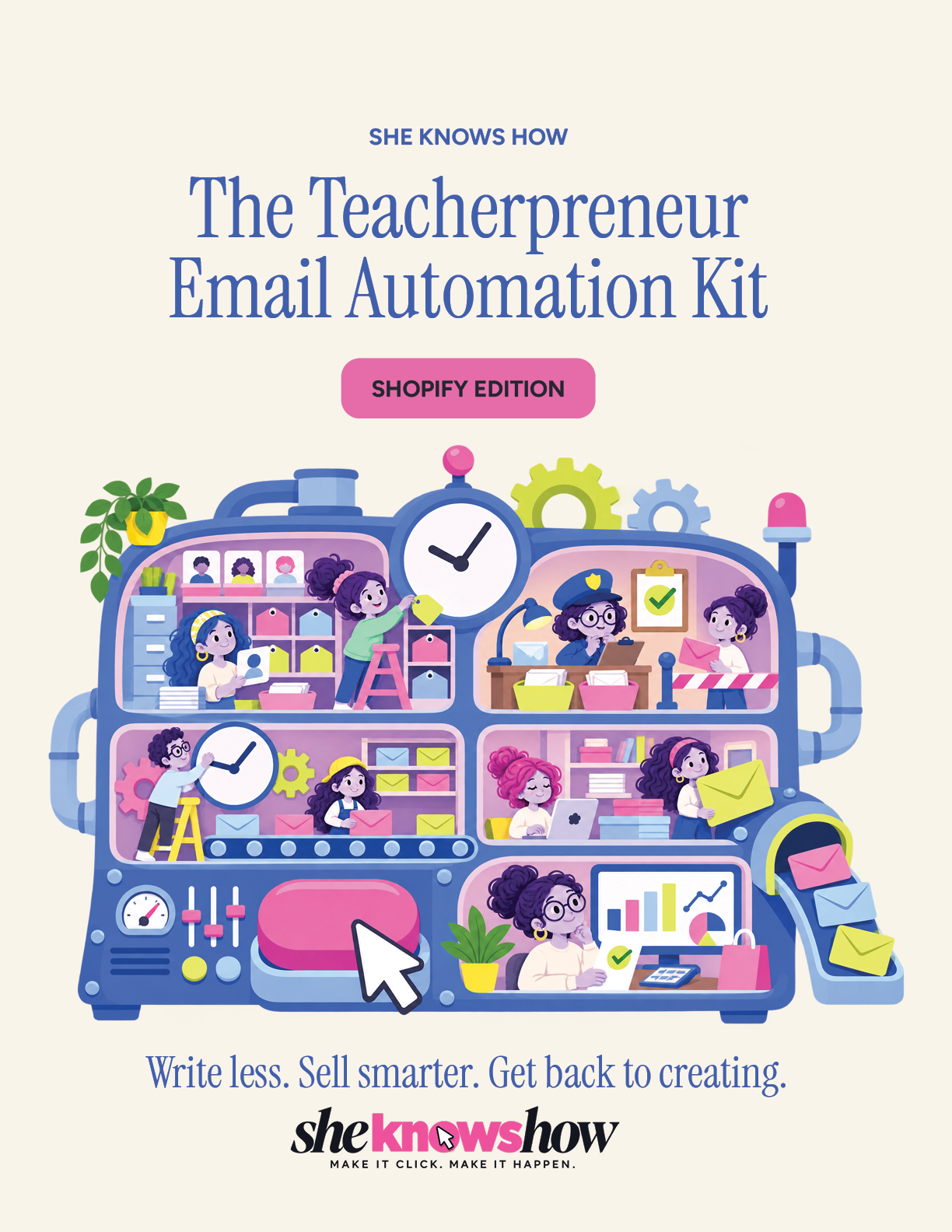
The Teacherpreneur Email Automation Kit Shopify Edition cover

Shopify edition

For teacher-sellers who use Shopify to sell their digital products and want to build their email automations within Shopify’s tools.

  • Platform-specific instructions
  • Real Shopify screenshots
  • Step-by-step automations
  • Troubleshooting & tips
Get the Shopify edition
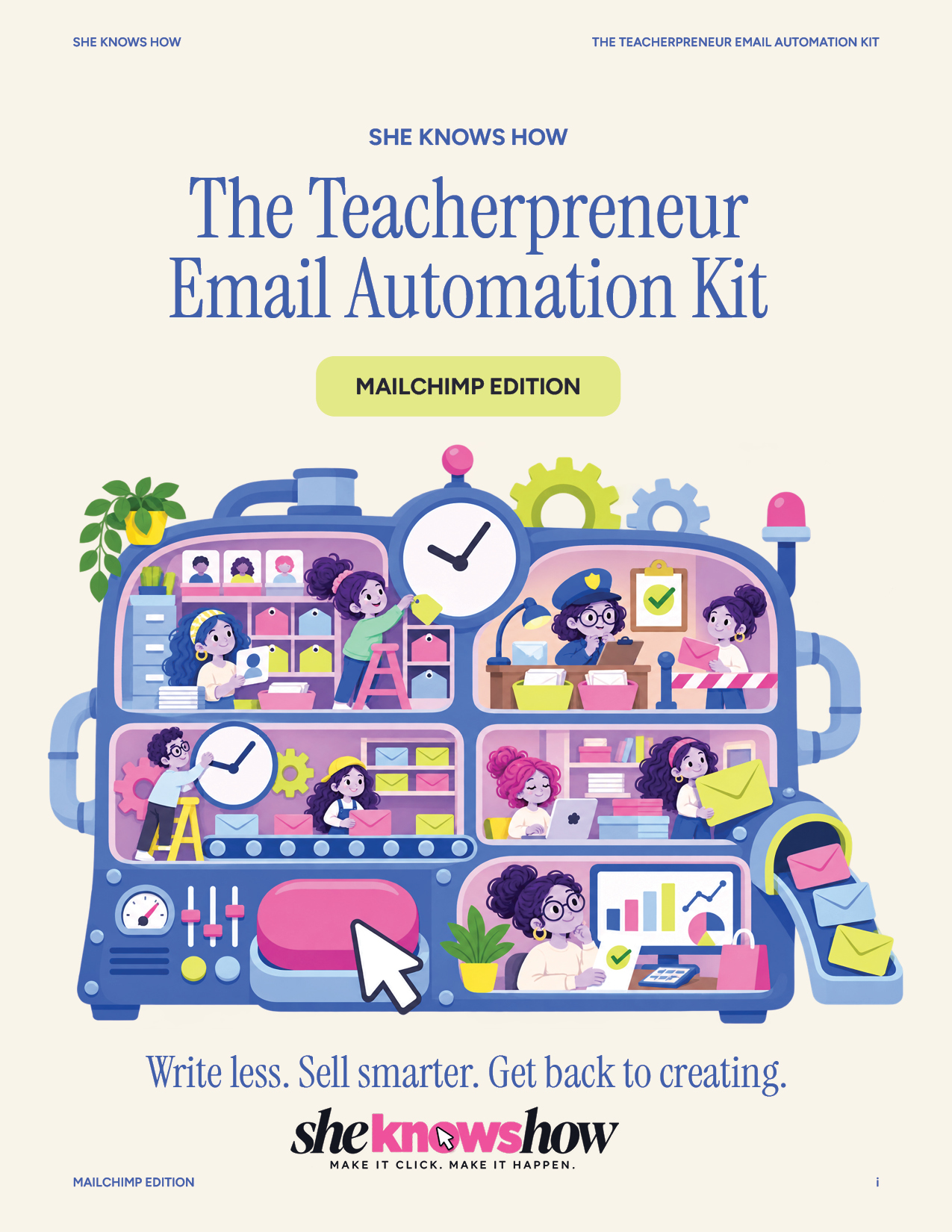
The Teacherpreneur Email Automation Kit Mailchimp Edition cover

Mailchimp edition

For teacher-sellers who use Mailchimp to manage subscribers and create email automations, including sellers whose products are on TpT.

  • Platform-specific instructions
  • Real Mailchimp screenshots
  • Step-by-step automations
  • Troubleshooting & tips

You’ve got enough on your plate.

You didn’t think I’d make you write
all those emails from scratch, did you?

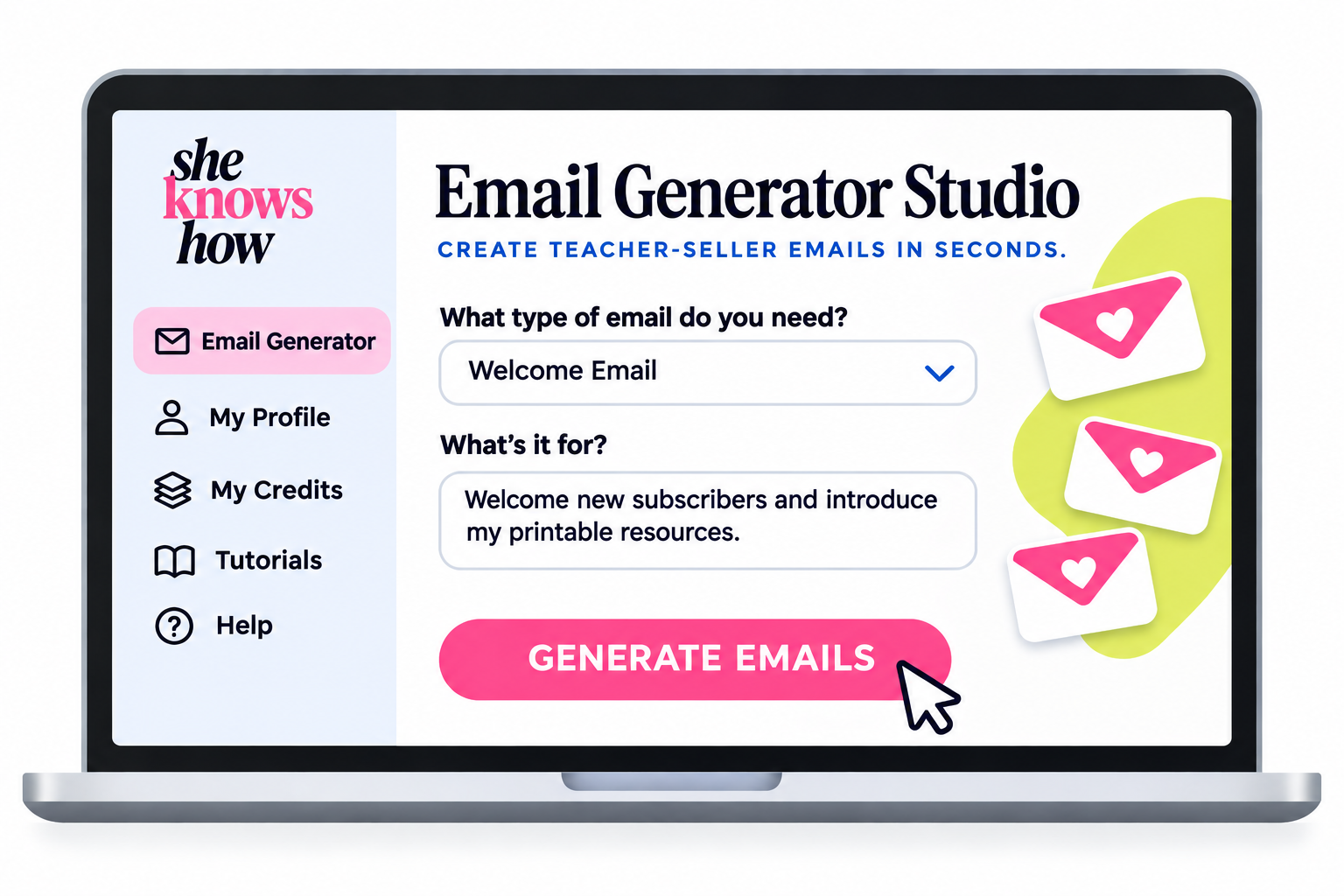
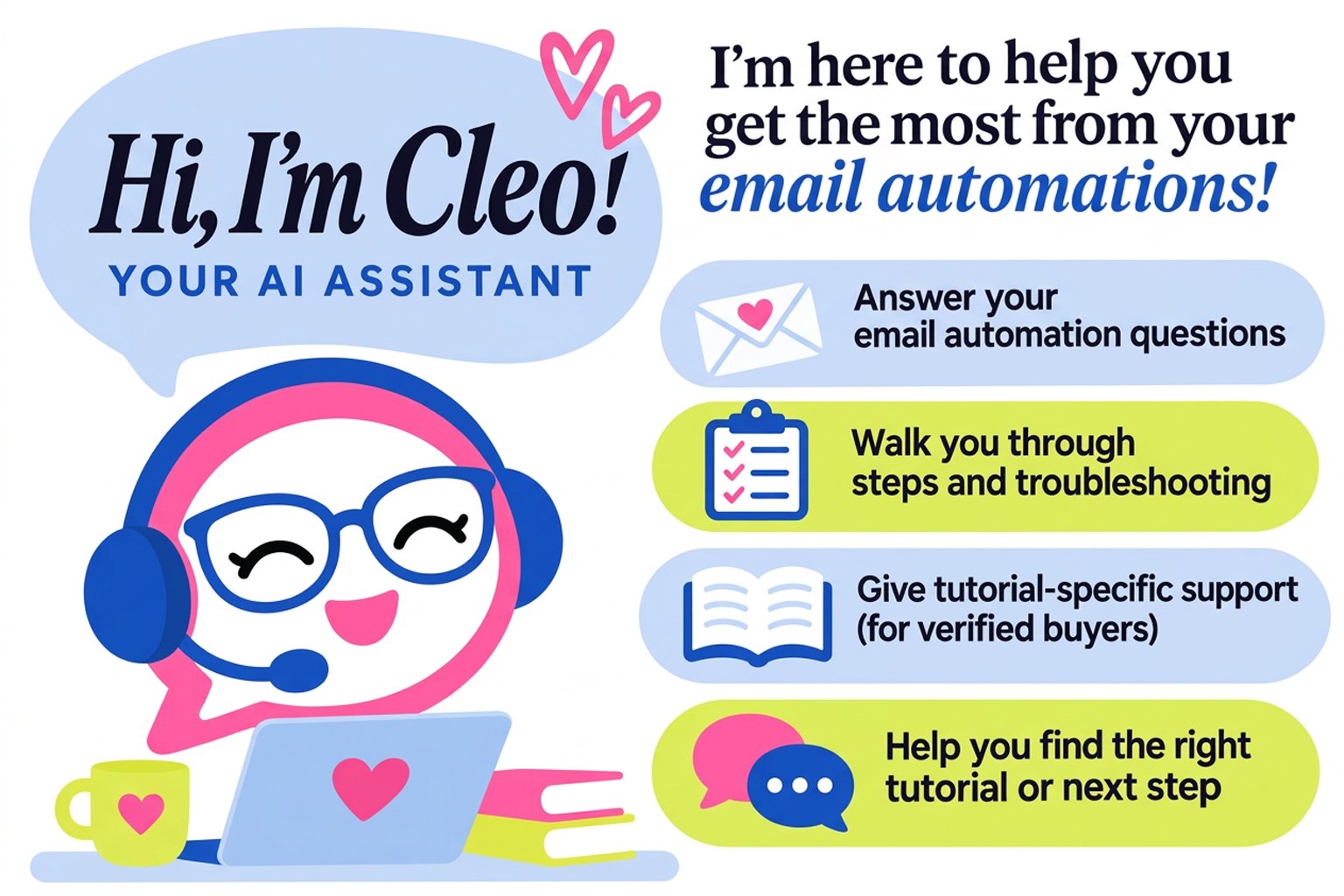
Once you’ve learned how to automate your emails, there’s still the little matter of writing them. That’s where your free 30-day Email Generator Studio trial comes in. And I’m working on Cleo, a friendly AI sidekick designed to help you make sense of the technical stuff along the way.

Free 30-day trial

Email Generator Studio

Learn how to set up the automation. Then get help writing the emails that go into it.

Email Generator Studio interface shown on a laptop
Coming soon

Meet Cleo.

Your future AI tutorial sidekick, ready to explain confusing terms and walk you through tricky steps once launched.

Cleo, the She Knows How Email Automation Assistant

ⓘ  The Email Generator Studio trial is free for 30 days and automatically renews as a paid subscription unless canceled.

Less clicking around.
More cha-ching.

Stop wondering how everyone else makes email automation work. I’ll show you exactly what to set up, where to click, and how to get your emails working behind the scenes—so you can focus on the things you’d rather be doing.

Get my tutorial
Three women chatting over coffee in a café while email sales arrive